Showing posts with label Add-ons. Show all posts

Wednesday, February 27, 2008

How Microsoft Can Recover From The Death Of HD DVD.


When HD DVD died a lot of people (including me) were stuck with a bunch of movies for a format that is no longer being produced. So from this point forward, if I want to buy (true) HD movies I have to buy Blu-Ray. Decisions...


I could buy a stand-alone player and spend $400 - $1,000 dollars. Just what I want, another component under my TV... I could spend $400 - $500 dollars and get a PS3. The PS3 is one of the better Blu-Ray players on the market, combined with the fact that it can be upgraded (due to the fact that it can be connected to the internet) makes it the more attractive choice.


But I don't really want a PS3, what if I had another choice... What about a Trojan Horse product that was cheap, didn't take up anymore space in my entertainment center, and did more than just play Blu-Ray disks... What if it played HD DVD's too? Who has the means, market share, resources, and technology to make this happen?


How about Microsoft.


Think about it. If Microsoft came out with a $200 dollar Blu-Ray/HD DVD combo drive add-on for the Xbox 360 it would be a win/win scenario.

  • Microsoft could 'save face' by saying they still support HD DVD and now Blu-Ray.
  • It would be the cheapest way for the 10+ million Xbox 360 owners to go Blu.
  • If you already own the HD DVD add-on (and movies) you still have one drive to play all your content, new or old. Give your 'old' HD DVD drive to a friend that doesn't have one, or hook it up to your second 360 to play HD DVD's or even regular DVD's.
  • The 360 would be (back) on par with the PS3's HD capabilities, and fully upgradeable too; due to the 360's standard ethernet port. Unlike most stand-alone Blu-Ray players out there...
  • It would cause a resurgence in HD DVD disk sales. People would no longer avoid the HD DVD section like the plague, because their combo drive plays everything. Retail wins because they get rid of their HD DVD stock, and consumers win because they get HD movies on the cheap.
Sound off in the comments about your thought and ideas.


mail

Wednesday, October 25, 2006

Extensions: Making Firefox You Own.


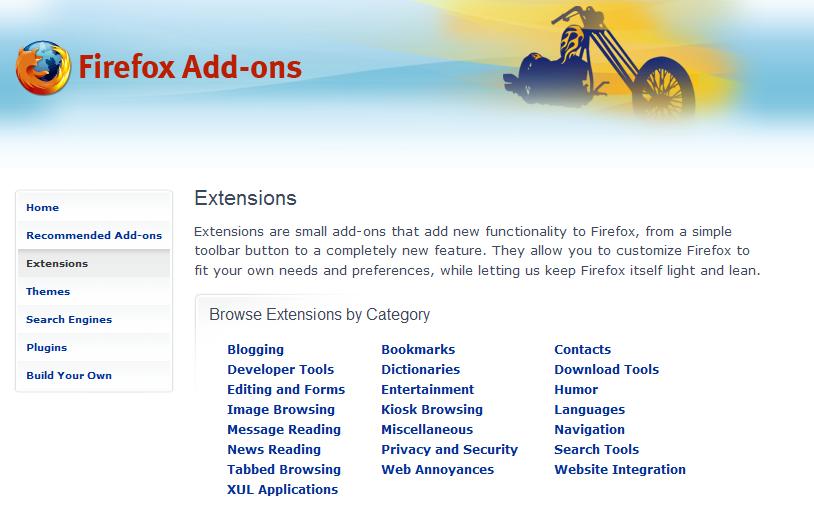
To people that are new to Firefox, extension are one of the things that makes it so great. Extensions let you basically do whatever you want with your browser, Firefox being open-source means that everyone has access to the source code and anyone could make an extension. With this being the case there are very few if any extension that come directly from Mozilla. The extensions all come from the community, and they are all made to make you web browsing experience better. I have compiled a list of all the extensions that I use so maybe you guys will find some useful ones.

  • Adblock Plus - This virtually block every ad on every page. This is the main extension I couldn't live without, it amazes me how many ads are on most pages. When I am at work (and forced to use Internet Explorer) I surf the same pages and I see them littered with ads and pop-ups.
  • Adblock Filterset G - This goes with adblock plus and all it does it keep an up to date block list, so when new ads come out they are all ready blocked!
  • Foxmarks - This one is great for me, with as many different computers that I use, and with how many time I install and re-install Firefox, this keeps my bookmarks synchronized between all my computers.
  • IE Tab - There are still pages out there that only work in Internet Explorer, this puts a button in the bottom right corner of Firefox and lets you switch between IE and Firefox.
  • Mouse Gestures - This is another great extension, when you right-click and hold it turns your mouse into a paint brush. If you draw a stroke from right to left it goes back a page, left to right, forward. It's a huge time saver for lazy people like me so you don't have to go "all the way" up to your back and forward buttons at the top of the browser.
  • Tab Mix Plus - Firefox 2.0 has nearly made this useless (by including them into the browser) with the exception of one must have feature: Undo closed tab. So if you accidentally close a tab, you can now just right click anywhere inside Firefox and select "Undo Closed Tab" and bam its back! And not just one tab if you close 5 you can restore them all.
  • Colorful Tabs - This extension is just a ascetic change, but a nice one. It make all your tabs a new color instead of them all just being gray, useful for differentiating them.
  • CustomizeGoogle - This is a great extension for anyone that using the Google suit of products: Gmail, Google Maps, Google Docs, Google Search, Google Calendar, etc... There is specific setting for each service but one that transends all of them is switching to a secure service, meaning that you will always be logged in over a secure server (https:// instead of http://).
  • Outlook Blue - This is a theme for Firefox, one of the cool things you can do is change the "look" of Firefox. From just the color to the buttons, and even the size and shape of the browser. This one is my favorite as it tends to blend-in with Windows XP very well, although there are some great Mac ones out there as well.