Update: Almost a year later I've decided to go back and look at my Firefox extensions post. This is the page that I use the most on my blog, with the frequency that I am formating computers for people (or myself), or just cleaning them up and updating them I am always installing Firefox. This post has become an invaluable resource to me as I can just go to this post and find all the extensions I need without having to search for them all.
I've updated the extensions list and thought you guys might be interested in the changes. Let me know if there are any extensions you would like to see on the list.
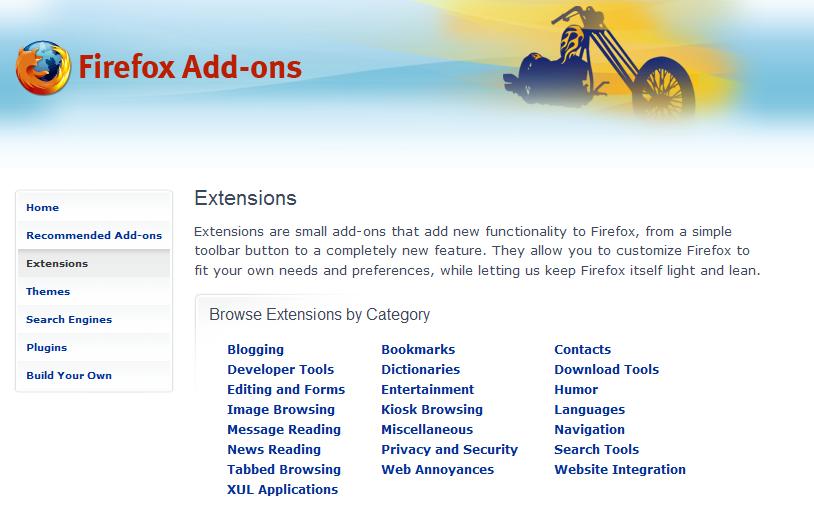
To people that are new to Firefox, extension are one of the things that makes it so great. Extensions let you basically do whatever you want with your browser, Firefox being open-source means that everyone has access to the source code and anyone could make an extension. With this being the case there are very few if any extension that come directly from Mozilla. The extensions all come from the community, and they are all made to make you web browsing experience better. I have compiled a list of all the extensions that I use so maybe you guys will find some useful ones.
- Adblock Plus - This virtually block every ad on every page. This is the main extension I couldn't live without, it amazes me how many ads are on most pages. When I am at work (and forced to use Internet Explorer) I surf the same pages and I see them littered with ads and pop-ups.
- Adblock Filterset G - This goes with adblock plus and all it does it keep an up to date block list, so when new ads come out they are all ready blocked!
- Foxmarks - This one is great for me, with as many different computers that I use, and with how many time I install and re-install Firefox, this keeps my bookmarks synchronized between all my computers.
- IE Tab - There are still pages out there that only work in Internet Explorer, this puts a button in the bottom right corner of Firefox and lets you switch between IE and Firefox.
- Mouse Gestures - This is another great extension, when you right-click and hold it turns your mouse into a paint brush. If you draw a stroke from right to left it goes back a page, left to right, forward. It's a huge time saver
for lazy people like me so you don't have to go "all the way" up to your back and forward buttons at the top of the browser. - Tab Mix Plus - Firefox 2.0 has nearly made this useless (by including them into the browser) with the exception of one must have feature: Undo closed tab. So if you accidentally close a tab, you can now just right click anywhere inside Firefox and select "Undo Closed Tab" and bam its back! And not just one tab if you close 5 you can restore them all.
- Colorful Tabs - This extension is just a ascetic change, but a nice one. It make all your tabs a new color instead of them all just being gray, useful for differentiating them.
- CustomizeGoogle - This is a great extension for anyone that using the Google suit of products: Gmail, Google Maps, Google Docs, Google Search, Google Calendar, etc... There is specific setting for each service but one that transends all of them is switching to a secure server, meaning that you will always be logged in over https:// instead of http://.
- Outlook Blue - This is a theme for Firefox, one of the cool things you can do is change the "look" of Firefox. From just the color to the buttons, and even the size and shape of the browser. This one is my favorite as it tends to blend-in with Windows XP very well, although there are some great Mac ones out there as well.